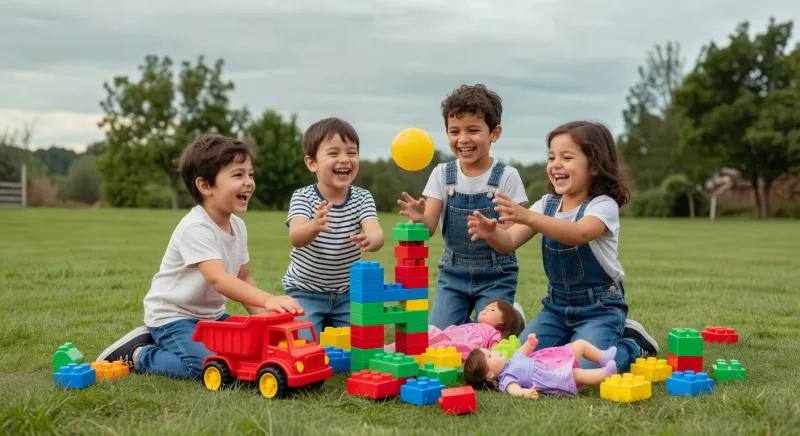
Educational apps for toddlers offer interactive ways to support early learning. Parents, caregivers, and educators seek tools that align with kids development needs. These apps often feature simple games and activities. They help build basic skills in engaging formats.
- Choose apps that match a toddler's age and current abilities.
- Combine app use with physical children toys for balanced growth.
- Limit screen time to short sessions each day.
- Review content for age-appropriate themes and safety features.
- Track progress and adjust selections based on observed changes.
- Encourage joint use to strengthen bonds during learning moments.
- Pair digital tools with outdoor or hands-on educational play activities.
Understanding Educational Apps for Toddlers
Child development experts recommend starting with basic apps. These focus on colors, shapes, and sounds. Toddlers respond well to bright visuals and sounds. Simple interactions build early confidence.
Professionals in this field know that apps work best with guidance. Unsupervised use may limit benefits. Caregivers can select apps with clear instructions. This approach keeps learning focused and fun.
Educators note the value of consistency across tools. Repetition helps toddlers retain new concepts. Many apps include progress tracking features. Parents find these reports helpful for planning next steps.
Integration with traditional play remains important. Apps alone do not replace hands-on experiences. A mix creates well-rounded opportunities. This balance supports overall kids development effectively.
Benefits for Kids Development
These resources introduce foundational skills through play. Language exposure often increases with narrated stories. Motor skills develop via touch-based actions. Cognitive growth happens through problem-solving tasks.
Parents find improved focus after regular use. Short sessions prevent overload while maintaining interest. Caregivers observe better memory recall in daily routines. Educators report smoother transitions to group activities.
Social elements appear in some multiplayer modes. Toddlers learn sharing and turn-taking concepts. Emotional awareness grows from character-based stories. These outcomes align with recommendations from NAEYC.
Long-term advantages include stronger school readiness. Early exposure to patterns aids math concepts later. Creative thinking expands through open-ended challenges. Overall progress becomes noticeable within weeks of guided use.
Integrating with Children Toys
Many families blend apps with physical items successfully. For example, a shape app pairs well with blocks. Toddlers transfer digital lessons to real objects. This connection deepens understanding quickly.
Caregivers often create themed play corners. An app about animals leads to toy figures. Movement between screen and floor keeps energy high. Kids development benefits from this active switch.
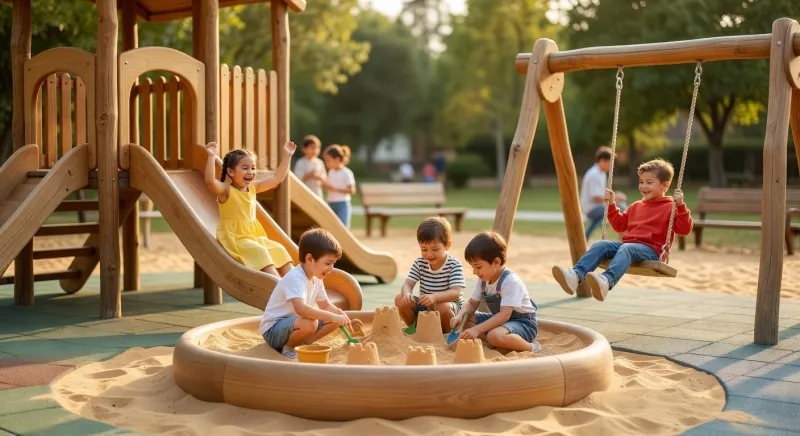
Educators suggest matching themes across resources. An app on colors works alongside sorting toys. Consistency reinforces lessons without confusion. Parents report higher engagement levels this way.
Exploration remains key during these sessions. Allow toddlers to lead and experiment freely. Guidance comes in when frustration appears. Such methods mirror advice from Zero to Three.
Choosing the Right Apps
Selection starts with clear learning goals. Focus on one skill area at a time. Safety ratings and privacy policies matter greatly. Free trials help test suitability first.
Parents review user feedback from other families. High ratings often indicate reliable content. Updates show ongoing developer support. This attention ensures lasting value for kids development.
Educators check for accessibility options. Features like adjustable speeds suit varied needs. Offline modes prove useful during travel. Simple interfaces reduce setup time effectively.
Testing occurs in short home sessions. Observe reactions and adjust choices accordingly. Rotate apps every few weeks to maintain novelty. This strategy prevents boredom while building skills steadily.
Role of Parents and Educators
Adults provide essential context during app sessions. They explain concepts and celebrate small wins. Modeling positive habits encourages independent exploration later. Joint participation strengthens relationships too.
Caregivers set daily limits based on expert guidelines. They balance screen time with active movement. Educators incorporate apps into classroom rotations. This structured approach maximizes educational impact.
Communication between home and school supports continuity. Shared progress notes help align efforts. Parents find this collaboration reassuring and effective. Toddlers benefit from unified support systems.
Regular reviews allow timely adjustments. Interests change rapidly in early years. Flexibility keeps experiences relevant and enjoyable. Professionals in this field emphasize ongoing observation.
Practical Tips for Daily Use
Begin each session with a clear purpose. State the skill focus before starting. End with a quick recap of what was learned. This routine builds awareness and retention.
Combine sessions with related children toys afterward. Hands-on practice solidifies digital concepts. Rotate locations to include outdoor elements when possible. Variety maintains high interest levels.
Monitor for signs of fatigue or distraction. Pause if attention wanes and resume later. Positive reinforcement works better than pressure. Caregivers note improved cooperation with this method.
Document milestones in a simple journal. Photos or notes track growth over time. Share findings with educators for additional insights. This practice supports informed decisions about next tools.
Frequently Asked Questions
How do educational apps for toddlers help with early learning?
These tools introduce colors, shapes, and sounds through interactive play. Short sessions build attention and basic problem-solving skills. Parents and caregivers see progress when they join the activity. Guidance from adults makes concepts clearer for young users. Regular use supports steady kids development when paired with real-world play.
What should parents look for in educational apps for toddlers?
Safety features and age ratings come first during selection. Simple interfaces and clear goals keep toddlers engaged. Caregivers check for offline access and progress tracking. Reviews from other families provide helpful insights on content quality. Matching themes to physical toys increases overall effectiveness.
Can these roles replace traditional toys completely?
Digital tools work best alongside physical items like blocks or figures. Hands-on practice reinforces lessons from the screen. Professionals in this field stress balanced exposure for full growth. Pure screen time limits sensory experiences that toddlers need. A mix yields stronger results in daily routines.
How much time should toddlers spend on these roles each day?
Experts suggest brief sessions of ten to fifteen minutes. This field benefits from limits that prevent fatigue. Parents observe better focus when breaks include movement. This field allows for adjustments based on individual attention spans. Consistency matters more than long durations.
Do educators recommend specific apps for classroom use?
Many select options with simple navigation and clear learning goals. Positions in this industry often favor tools with progress reports. These roles integrate well into group rotations when supervised. Trial periods help confirm fit before full adoption. Ongoing observation guides any necessary changes.
Final Thoughts
Educational apps for toddlers provide valuable support when used thoughtfully. Parents, caregivers, and educators play key roles in guiding sessions. Blending these tools with children toys creates richer experiences overall.
Start small and observe what works best for each child. Consistent, balanced approaches lead to meaningful progress in kids development. Explore options through educational toys for additional ideas that complement app-based learning.